One environment, five product lines, one record of the project.
You choose what you need, and add more as the project grows.
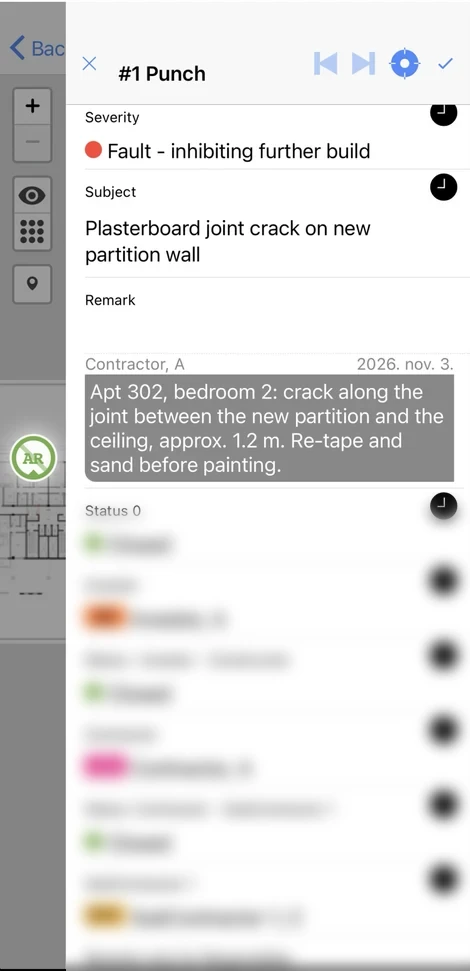
Five connected product lines. One shared record.
- Start with the functions your project needs.
- Add more as it moves from design to operations.
- Each team and each user has access only to what matters to their role.
- Shared users, layered permission control, one audit trail.
Built from modules. Configured around your project.
A module is activated when its phase starts and deactivated when it ends.
PlanDoc.Next
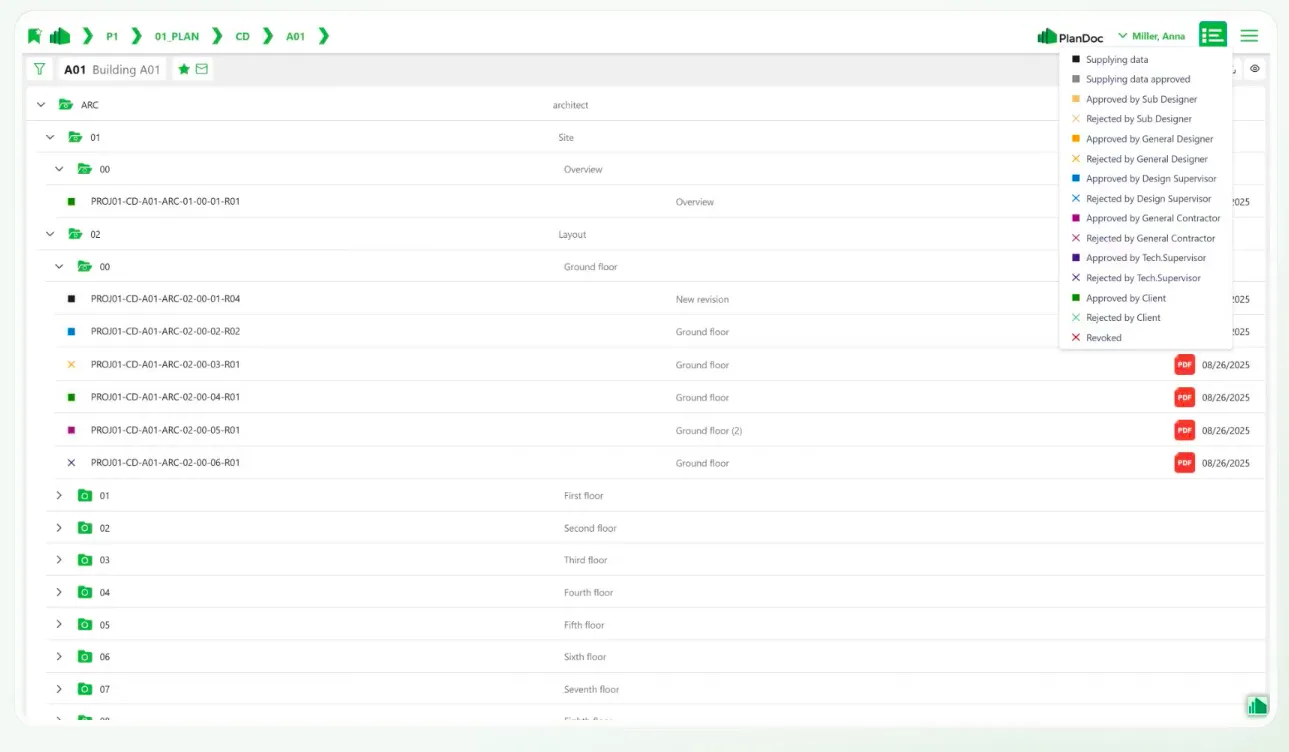
Plan and document management, the core of the CDE
- Document control
- Drawing packages
- Approval workflows
- Design Review
- QR Revision
- Revision comparison
- Content Search
PlanDoc.Site
Site work on mobile, even offline
- Snagging
- NCR
- WIR
- Work Areas
- Site Conduct
- Site Records
- Condition Survey
- Equipment
- Defects Liability
- Logistics
PlanDoc.BIM
IFC models in the browser and on mobile
- 3D models on mobile
- Search by category or ID
- Colour by property
- Measure and quantities
- BIM rules
- 2D drawings on the 3D model
- Sections
- Element data
- Snags on model elements
- Budget planning
- BIM-based operations
- VR and AR
PlanDoc.BI
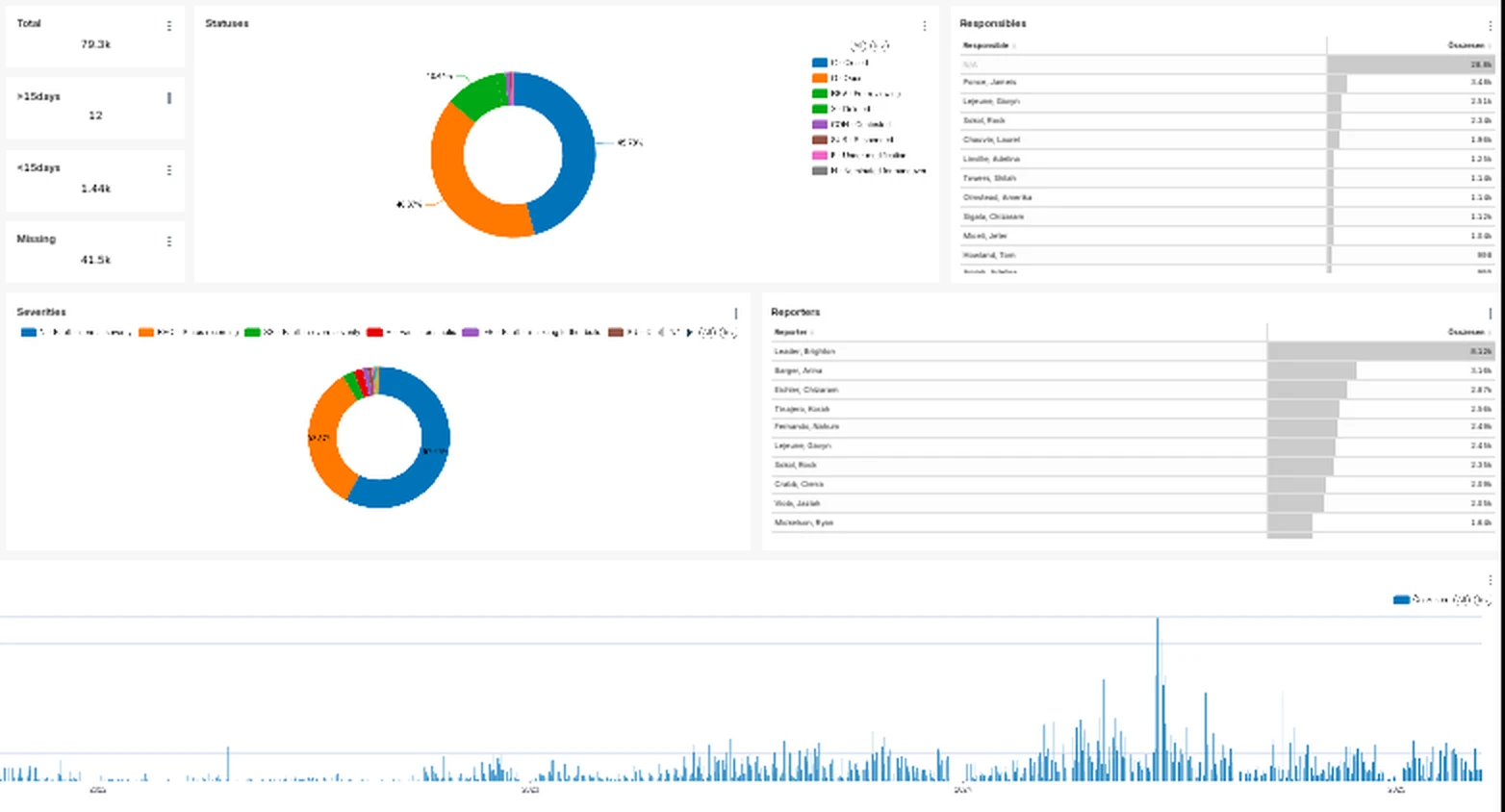
Custom dashboards from your PlanDoc data, refreshed daily
- Portfolio and projects
- Statuses
- Snags and tickets
- NCR
- Inspections (WIR)
- Approvals
- Responsible parties and deadlines
- By subcontractor
PlanDoc.Plant
Compliance for industrial sites
- Explosion Safety
- Fire Safety
- Manufacturing and Assembly
- Maintenance
- Equipment Management
- Calibration
PlanDoc.Next
Document control trusted by the whole project. PlanDoc.Next is the core of the common data environment: the place where the project's drawings and documents live.
More about PlanDoc.Next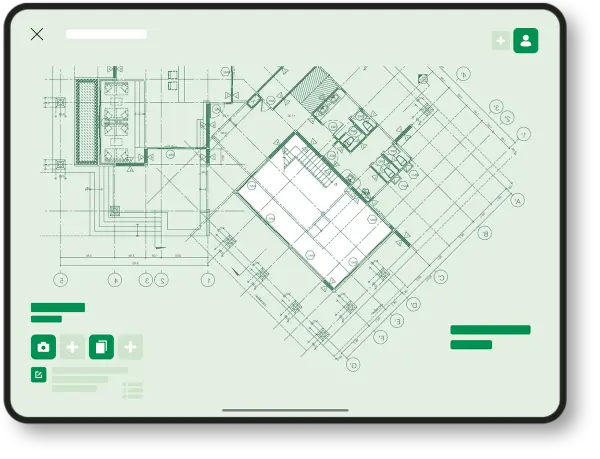
PlanDoc.Site
Every snag, inspection and NCR pinned on the drawing, with a photo, a responsible person and a deadline. It works offline, and the office sees it as soon as it syncs.
More about PlanDoc.Site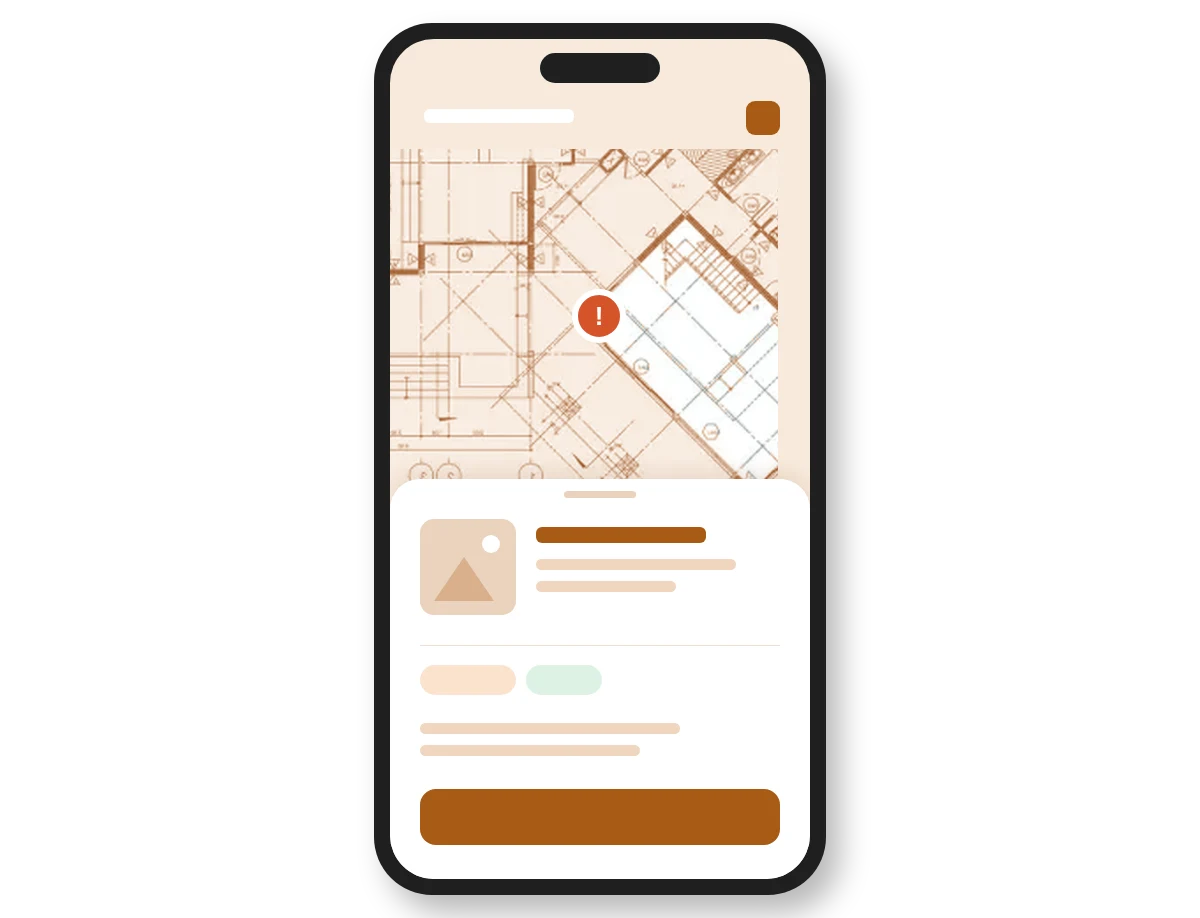
PlanDoc.BIM
Open the model where the work happens. IFC models in the browser and on mobile, without a desktop BIM licence.
More about PlanDoc.BIM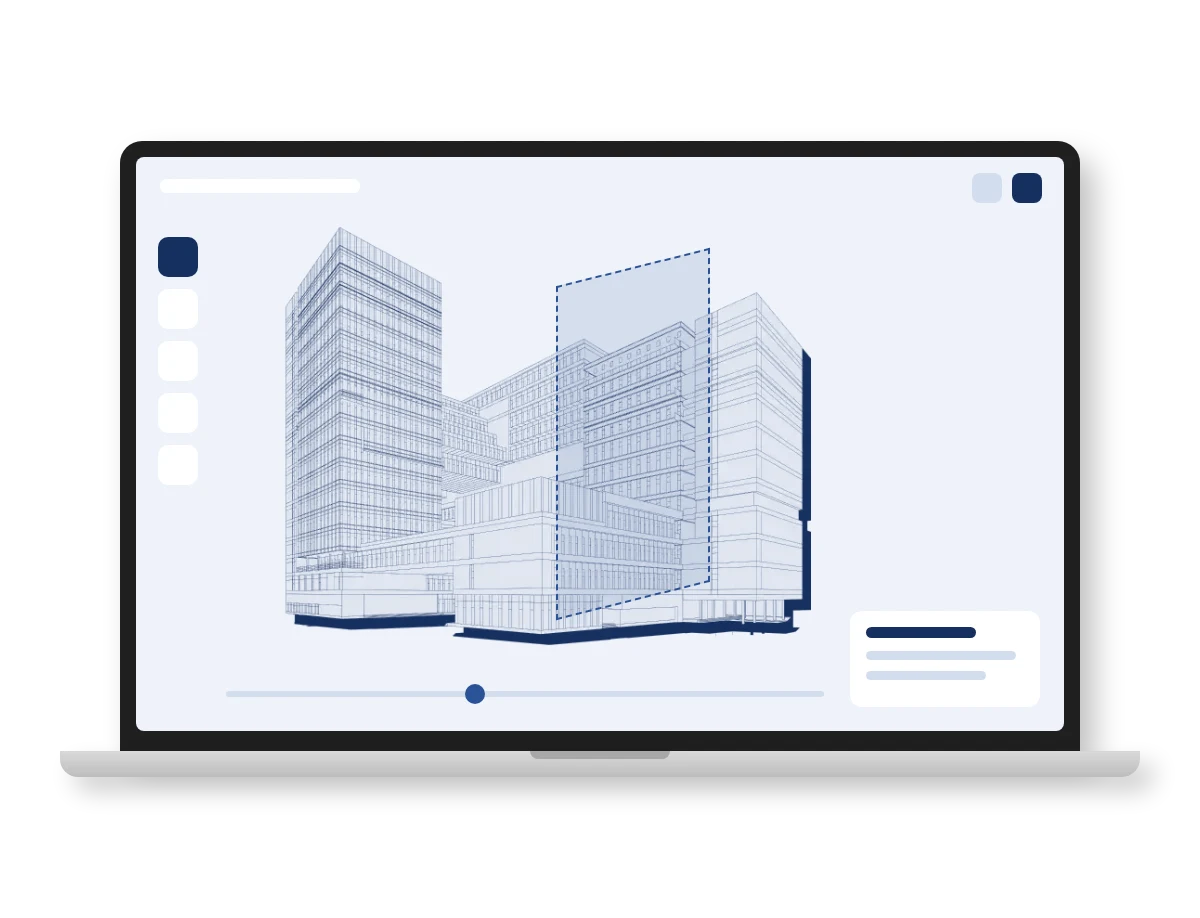
PlanDoc.BI
The portfolio view, updated every day. Dashboards for directors and owners from live project data.
More about PlanDoc.BI